Holiday Travel Cybersecurity: Safe Devices on the Go
Click here to view/listen to our blogcast.
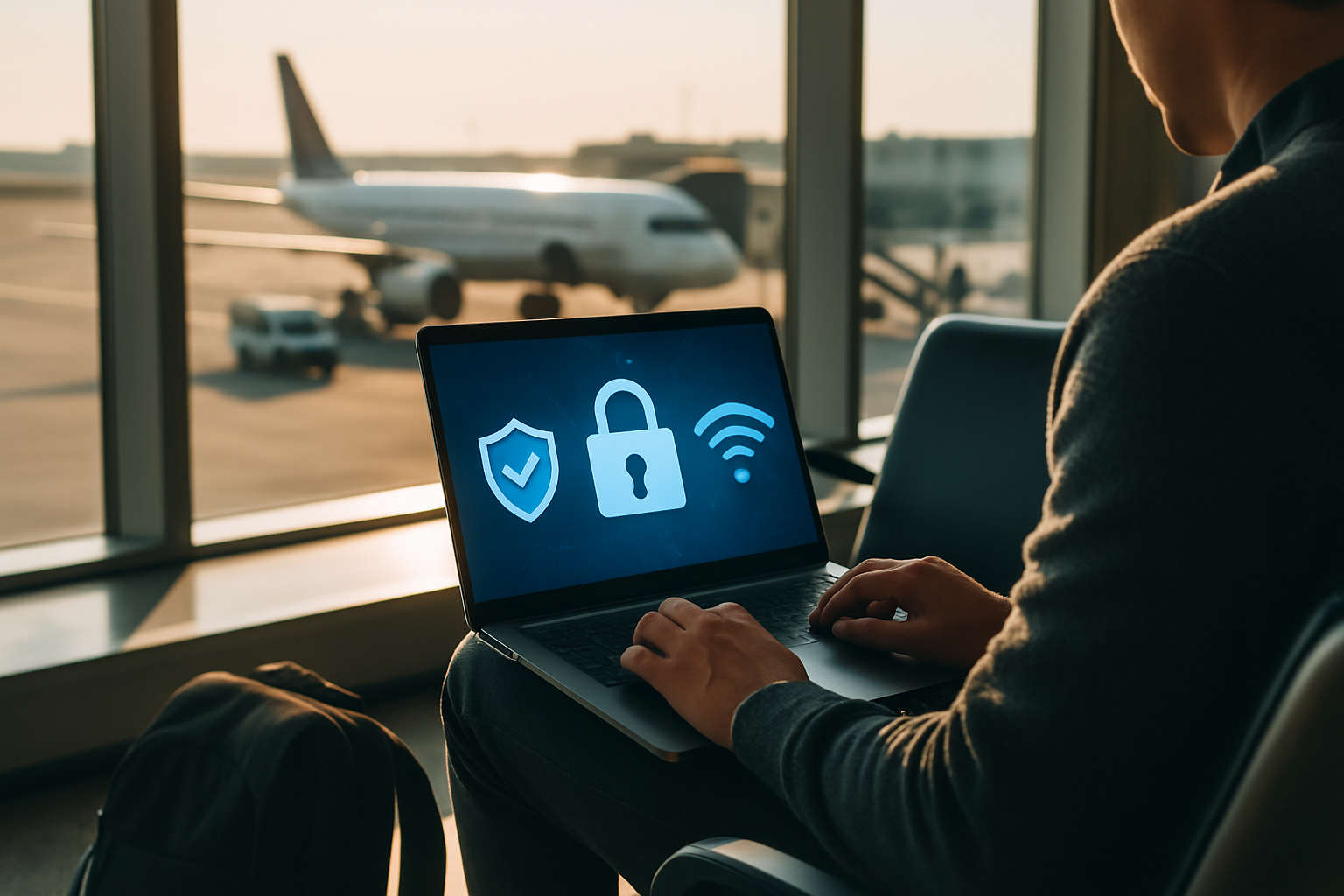
As the Thanksgiving holiday approaches, many professionals will be working remotely from airports, hotels, or relatives’ homes. Traveling with company devices can be convenient, but it also introduces serious security risks. Public Wi-Fi networks, shared chargers, and phishing scams are waiting for distracted travelers.
A few simple precautions can help you protect your data and your business while you are on the move.
✈️ Watch Out for Public Wi-Fi
Free airport or hotel Wi-Fi may look safe, but it often is not. Hackers create “evil twin” networks with similar names to legitimate ones, tricking travelers into connecting. Once connected, attackers can intercept passwords, email, and company data.
Stay safe by:
- Using a mobile hotspot or your smartphone’s personal hotspot instead of public Wi-Fi.
- Connecting only through a VPN when remote access is needed.
- Turning off automatic Wi-Fi connections on your devices.
If your company uses Microsoft Intune or similar management tools, ensure all devices are configured to use encrypted connections only.
🔋 Be Careful with Public Chargers
Airport and hotel charging stations are convenient, but they can also host “juice jacking” attacks that steal data through infected USB ports.
To stay protected:
- Always use your own charger and plug directly into a power outlet.
- If you must use public power, use a USB data blocker (a “charge-only” adapter).
- Keep your phone locked while charging and avoid granting USB data permissions.
📱 Stay Alert for Travel Phishing Scams
Hackers know millions of people are traveling this week. Be wary of fake airline updates, hotel confirmations, or baggage notifications sent by text or email. These messages often contain malicious links or QR codes.
To protect yourself:
- Double-check sender addresses before clicking.
- Visit the airline or hotel’s website directly instead of following a link.
- Avoid scanning QR codes from posters or tables at airports, cafés, or rest stops.
🔐 Secure Your Devices Before You Leave
Before heading out, make sure all business devices are secure and compliant:
- Enable BitLocker (Windows) or FileVault (macOS) for encryption.
- Verify that multi-factor authentication is turned on for all accounts.
- Set strong PINs and enable auto-lock on laptops and mobile devices.
- Back up data to your company’s secure cloud platform.
- Ensure your IT team has remote wipe capability for lost or stolen devices.
Employees using Microsoft 365 Business Premium can check compliance through the Company Portal app in Intune.
⚙️ How CDML Helps Businesses Secure Traveling Employees
CDML Computer Services helps small and medium businesses prepare for travel and remote work by:
- Setting up Microsoft Intune and Defender for 365 for mobile device management and protection.
- Enforcing conditional access policies to block non-compliant or risky devices.
- Providing VPN, DLP, and endpoint protection for safe data access anywhere.
- Offering employee security training that teaches how to recognize travel-related scams.
Before your team hits the road, let CDML verify your device security and mobile access settings.
Final Thoughts
Traveling during the holidays should be relaxing, not risky. With a few minutes of preparation and the right security tools, you can keep your devices, accounts, and business data protected wherever you go. CDML can help your organization stay safe, connected, and compliant, even when work happens away from the office.
📞 Contact CDML today to schedule a mobile security and compliance review.
Stay safe. Stay informed. Stay compliant.

📞 Contact us here: https://cdml.com/contact/
📚 Read more on our blog: https://cdml.com/blog-2
📺 Listen to our blogcasts: https://www.youtube.com/@CDMLComputerServices