What Happens After Windows 10 End of Life and What It Means for Regulated Businesses
Click here to view/listen to our blogcast.
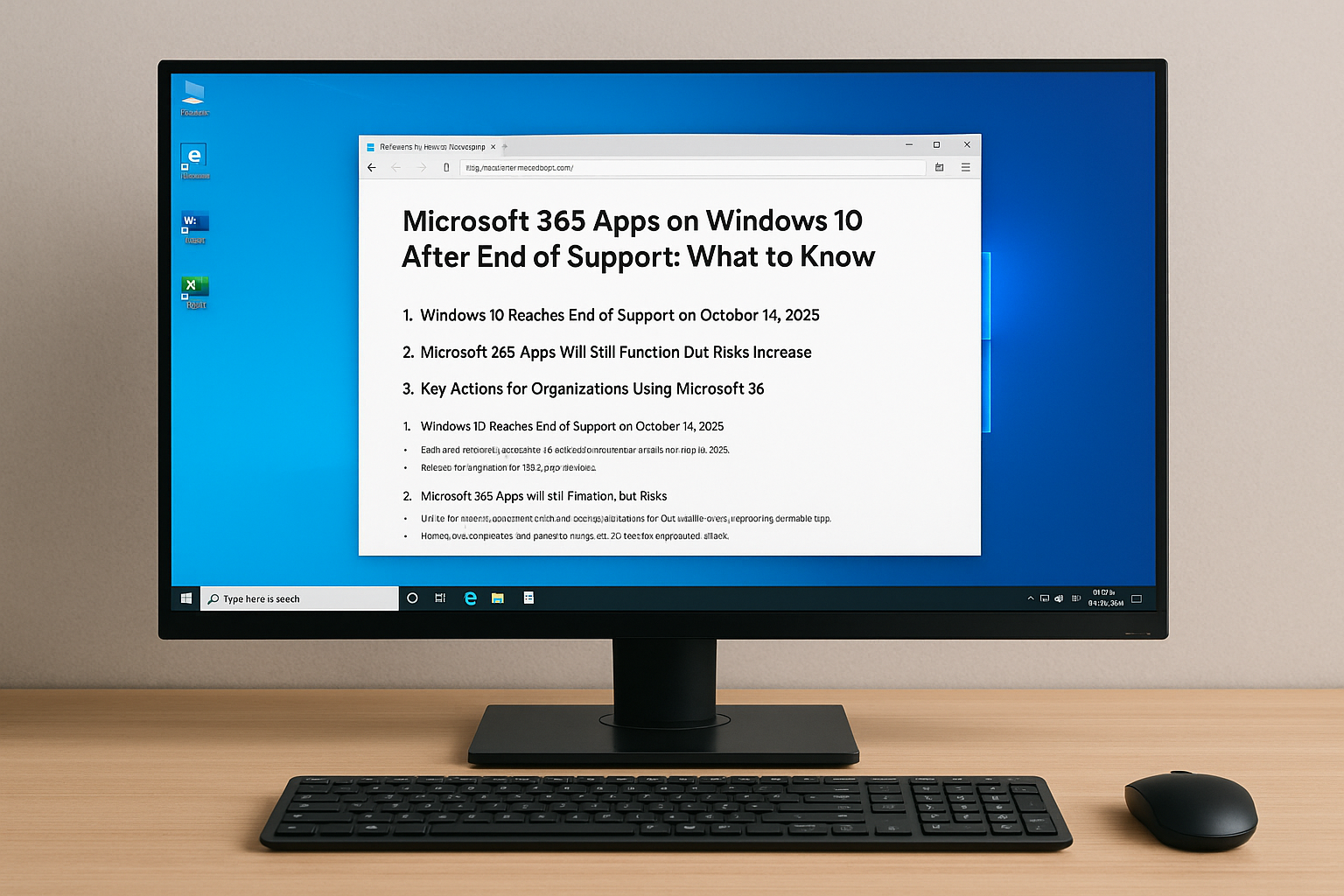
Today (October 14, 2025), Microsoft officially ends support for Windows 10. Your PCs won’t stop working but they’ll stop being protected. For healthcare providers, financial firms, and other businesses regulated under Department of Health (DoH) or Department of Financial Services (DoF) rules, that’s not just a technical issue – it’s a compliance problem.
Unsupported systems violate multiple security mandates, exposing your business to fines, audit failures, and potential data breaches.
Microsoft 365 on Windows 10: What Will Still Work
After October 14, 2025:
- Users can still log in to office.com, download, and install Microsoft 365 Apps for Business.
- The apps will continue to function, but they’ll be frozen at Version 2608, meaning no new features or interface updates.
- Microsoft will continue to deliver security patches for those apps until October 10, 2028.
- However, if an issue occurs only on Windows 10, Microsoft Support will consider the configuration unsupported and may refuse assistance.
In other words: things will still work but not for long, and not safely.
Why This Breaks Compliance
Regulated businesses must operate systems that are actively supported and patched.
Remaining on Windows 10 breaks compliance under these laws and frameworks:
- HIPAA (DoH-regulated): Requires “procedures for guarding against, detecting, and reporting malicious software.” An unpatched OS violates this mandate.
- NYDFS 23 NYCRR 500 (DoF-regulated): Requires a cybersecurity program “designed to protect the confidentiality, integrity, and availability of information systems.” Unsupported operating systems fail this test.
- GLBA and NY SHIELD Act: Both require “reasonable security measures.” Using EOL (end of life) software is considered unreasonable by regulators and insurers alike.
Even if Microsoft 365 Apps continue to run, your environment will no longer meet compliance or cyber-insurance standards.
What Businesses Should Expect
| Risk | Impact | Compliance Consequence |
| Unpatched vulnerabilities | Growing exposure to exploits | HIPAA / DFS violations |
| Audit failures | Unsupported OS detected | Possible fines or remediation orders |
| Cyber-insurance denial | Policy voided if claim involves an EOL system | Financial loss |
| Software incompatibility | New apps may refuse Windows 10 installs | Operational disruption |
| Reputation damage | Partners may cut ties | Loss of trust |
What You Should Do Now
- Inventory all Windows 10 systems and classify by criticality.
- Plan a migration to Windows 11 or replacement hardware before Q4 2025.
- Document the migration plan in your WISP or cybersecurity program for auditors.
- Update your employee training so staff understand why unsupported systems must be replaced.
How CDML Can Help
CDML Computer Services helps businesses transition securely and stay compliant:
- System audits to identify Windows 10 devices and evaluate upgrade readiness.
- Migration roadmaps aligned with your DoH/DoF compliance requirements.
- Secure Microsoft 365 deployments with Defender for 365, SonicWall firewall protection, and ongoing patch management.
- Documentation support for audits, incident response, and cyber-insurance renewals.
We’ve already guided many healthcare and financial clients through similar end-of-life transitions. Let’s make yours seamless.
Final Thoughts
Windows 10 isn’t disappearing overnight, but your compliance is. Regulators and insurers won’t care that your apps “still work” if your systems aren’t supported.
Don’t wait until a failed audit or breach forces the issue. Contact CDML today to start your Windows 11 migration plan and ensure your Microsoft 365 environment remains secure and compliant.
Stay safe. Stay informed. Stay compliant.

📞 Contact us here: https://cdml.com/contact/
📚 Read more on our blog: https://cdml.com/blog-2
📺 Listen to our blogcasts: https://www.youtube.com/@CDMLComputerServices