Before Your Organization is Pwned: How to Stop Payment Address Scams
Click here to view/listen to our blogcast.
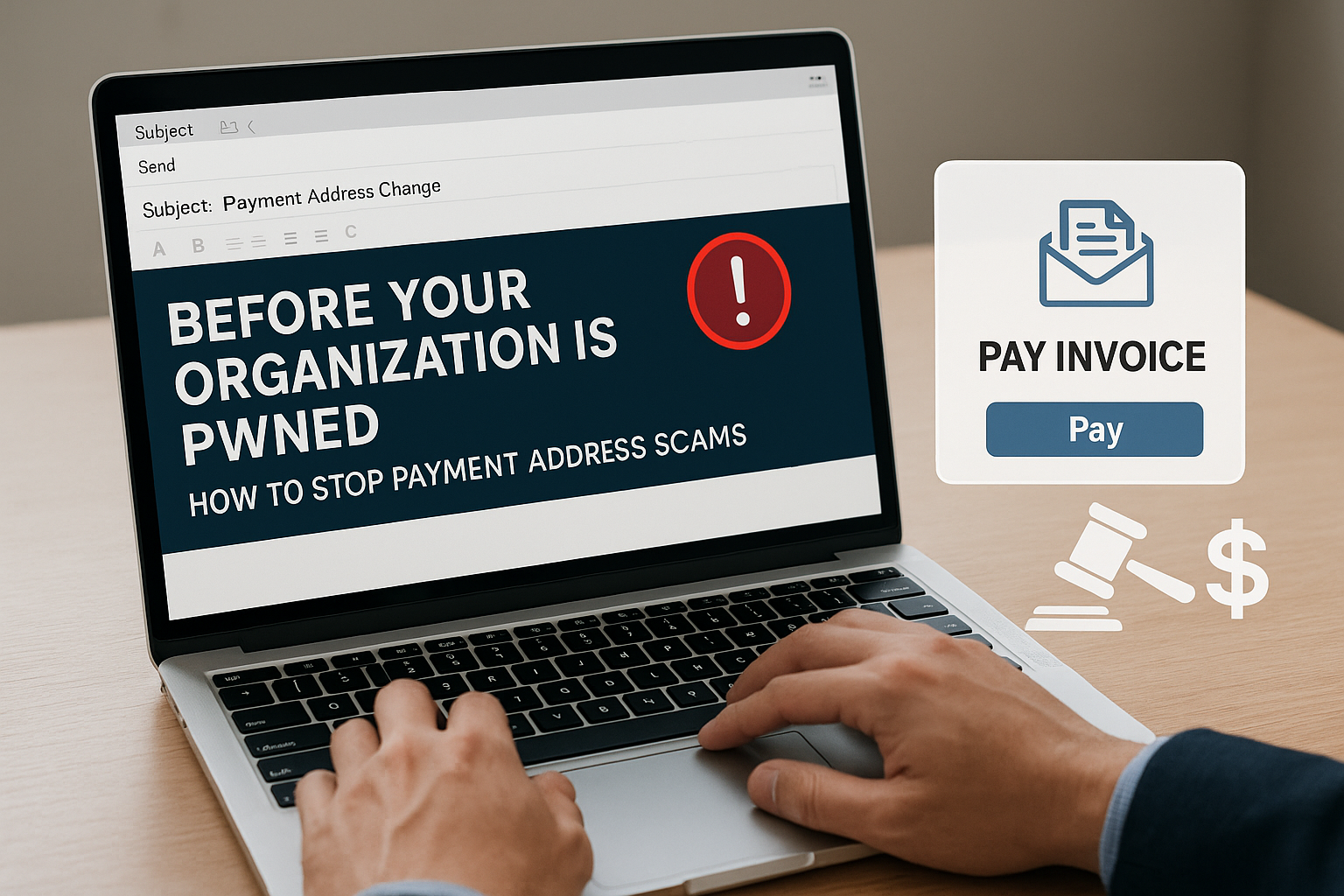
Imagine an email that looks flawless—no typos, no awkward phrasing, perfectly branded to mimic your vendor. Thanks to AI, scammers can now generate these fake requests in seconds. One click by your accounts payable team to update a bank account, and your organization could be out hundreds of thousands of dollars. That’s exactly what happened to Baltimore City earlier this year, when fraudsters walked away with over $1.5 million.
How These Scams Work
These attacks are a form of Business Email Compromise (BEC) and are growing more sophisticated with the AI evolution:
- Criminals impersonate a trusted vendor or supplier.
- They send an email (sometimes even gain access to your vendor portal) asking to update banking details.
- AI tools help craft messages that are polished, personalized, and convincing.
- Your accounts payable team updates the record.
- The next payment, sometimes hundreds of thousands of dollars, goes straight into the scammer’s account.
The scam is simple, effective, and devastating. Once the money is gone, it’s often unrecoverable.
Why SMBs Are at Risk
- Limited staff: One person may handle all vendor payments.
- Trust culture: Longstanding vendor relationships lead to less scrutiny.
- Lack of procedures: Without strict controls, fraudulent changes slip through.
- Speed over verification: Invoices need to be paid quickly, leaving little time for checks.
- AI advantage for criminals: Messages are harder than ever to spot as fake.
Procedures Every Business Should Have
The best defense is procedure, not just technology. Every SMB should put these safeguards in place before approving a payment change:
Vendor Verification
- Always verify any request to change bank details with a phone call using known contact information.
- Never rely on the phone number or email in the change request.
Segregation of Duties
- Have one employee process the change and another approve it.
- Require management sign-off for any financial information update.
Delay and Review
- Impose a waiting period (24–48 hours) before new payment instructions are used.
- Review all vendor payment changes in a weekly report.
System Safeguards
- Use accounting software alerts for changes to vendor records.
- Restrict who can edit banking information.
Employee Awareness
- Train finance and AP staff regularly on BEC and AI-driven fraud tactics.
- Remind staff that criminals often impersonate real vendors convincingly.
How CDML Can Help
Putting these procedures in place may feel overwhelming for a small or mid-sized business. That’s where CDML steps in:
- Policy Development – We help you draft and enforce clear procedures for verifying vendor information.
- Cybersecurity Controls – From advanced email security to system alerts, we configure the tools that flag suspicious requests.
- Employee Training – Ongoing security awareness training ensures your staff recognize red flags before approving changes.
- Compliance Alignment – Many of these safeguards overlap with compliance frameworks (HIPAA, NYDFS, GLBA), which we can help you meet.
- Ongoing Monitoring – Our service agreements include continuous monitoring to catch issues early, before money leaves your accounts.
Final Thoughts
Fraudsters are using AI to create more convincing scams that can slip past even seasoned staff. Baltimore lost over $1.5 million because of a fake bank-account change. Could your business withstand that kind of hit?
CDML helps SMBs put the right financial verification procedures, cybersecurity controls, and employee training in place to keep your payments secure. Don’t wait until your business is pwned.
Contact CDML today to lock down your defenses.
Stay safe. Stay informed.

📞 Contact us here: https://cdml.com/contact/
📚 Read more on our blog: https://cdml.com/blog-2
📺 Listen to our blogcasts: https://www.youtube.com/@CDMLComputerServices